
On-device AI vs cloud AI: which should handle your data?
On-device AI is fast and private; cloud AI is smarter and needs no battery. A side-by-side comparison, plus which tasks belong where.
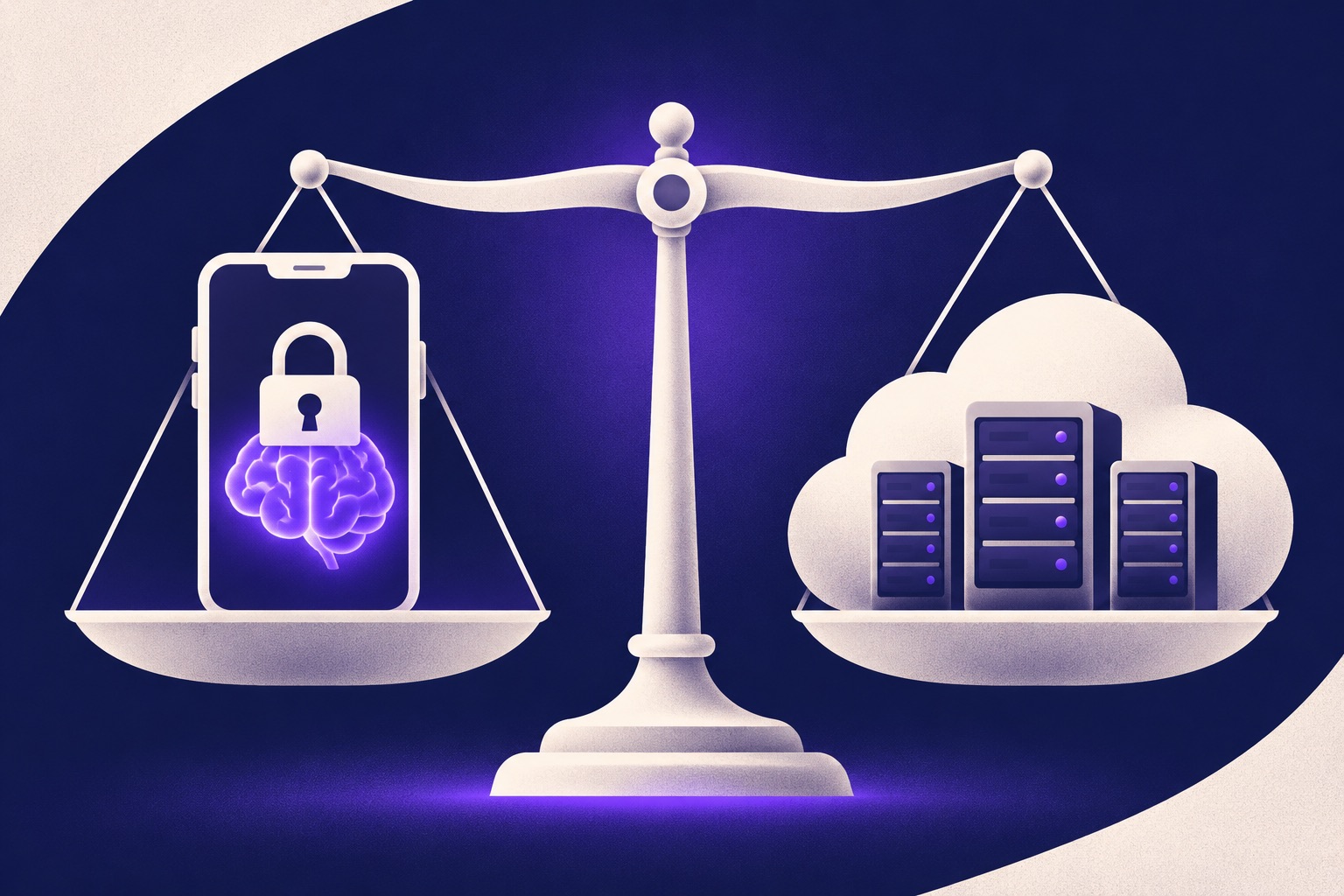
Key points
- On-device AI wins on speed, privacy and offline use.
- Cloud AI wins on knowledge, long reasoning and battery life.
- Most phones now mix both and send hard requests to the cloud.
- Personal data such as messages and photos is the strongest case for on-device.
Every AI feature on your phone or laptop runs in one of two places: on the device itself, or on a company's servers. The choice affects speed, privacy, battery life and how smart the answer can be. Here is how they compare and which tasks belong where.
The comparison at a glance
| Feature | On-device AI | Cloud AI |
|---|---|---|
| Speed | Starts instantly, no network round trip | Depends on your connection |
| Privacy | Data stays on the device | Data is sent to the provider |
| Works offline | Yes | No |
| Knowledge and reasoning | Limited by model size | The largest, most capable models |
| Battery | Uses your device's battery | Little battery used on the device |
| Cost to you | Included with the device | Free tiers, paid plans for heavy use |
Where on-device AI wins
Small AI models now run well on recent phones, and they shine on short, personal tasks: summarising a message thread, cleaning up a voice note, sorting photos or suggesting a reply. These tasks touch your most private data and need to feel instant, which is exactly what local processing delivers.
On-device AI also keeps working on a plane, in a tunnel or anywhere the signal drops.
Where cloud AI wins
Cloud models are many times larger. They know more about the world, follow long instructions better and can reason through multi-step problems. Research questions, long documents, coding help and anything that needs current information from the web still belong in the cloud.
They also spare your battery, because the heavy computing happens on someone else's hardware.
The hybrid setup most phones now use
Most devices now combine both. A small local model handles what it can and hands harder requests to a cloud model, ideally telling you when that happens. This is also how many AI agents are being built: the local part reads your personal data, the cloud part does the heavy thinking.
Frequently asked questions
Can I make my phone use only on-device AI?
Many phones let you turn off the cloud-based AI features in settings, leaving only the ones that run locally. Some features will stop working or become less capable.
Is cloud AI unsafe?
Not by default. Large providers encrypt traffic and publish privacy policies. The difference is that your data leaves the device, so you rely on the provider's rules about storage and training.
Related
Small AI models now run on your phone. Here is what changes
On-device AI keeps your data on the phone, works offline and answers faster. These are the trade-offs and the tasks it already handles well.
Five free AI assistants worth trying, and what each does best
ChatGPT, Claude, Gemini, Copilot and Perplexity all have free plans. Here is what each one is best at, so you can pick the right one for the job.

How to spot an AI-generated political ad before you share it
AI makes fake political images, voices and videos cheap to produce. Use these six checks before you share an ad, plus the labels platforms now require.